iTunnel

2026-05-21

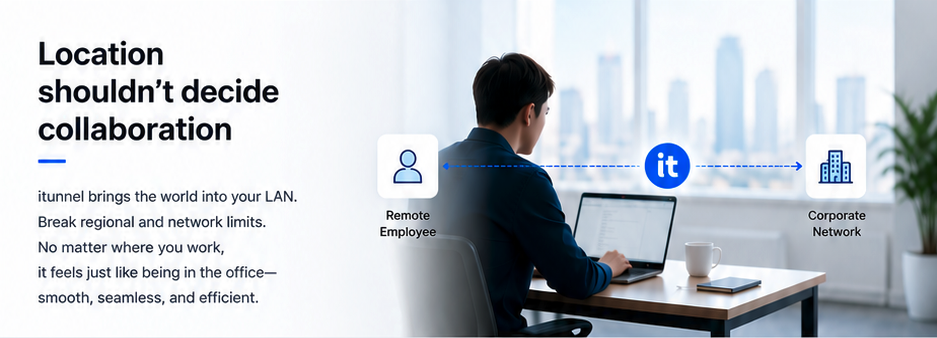
Connecting the world in one LAN, collaborating in the same office!

iTunnel features modern cryptography, minimalist design, and easy deployment and maintenance. Suitable for:

  • Multi-location networking
  • Enterprise intranet interconnection
  • Remote working / Telecommuting
  • Peer-to-peer encrypted communication
  • Mesh networking
  • Robust communication under complex network environments

1. Overview

The system consists of both a server and a client. Both are single executable files, supporting platforms including Windows, Linux, macOS, and OpenWRT. It can run on X86, ARM, RISC-V, and MIPS hardware architectures with an extremely low memory footprint, meeting demanding requirements for large-scale throughput and concurrency. Both client and server can be configured and managed via a Web UI.

iTunnel server login

2. Server

The server supports two running modes: CLI and GUI. It provides comprehensive run logs, facilitating troubleshooting and real-time monitoring of operation status.

  • Zero configuration, out of the box.
  • All configuration options are shared via QR codes.
iTunnel server overview

2.1 Feature Description:

  • WireGuard-compatible protocol
  • Protocol obfuscation plugins (1. dynamic random headers, 2. FakeTCP transport, 3. UDP/TCP transport)
  • Adaptive hot-switching of protocols
  • QoS and DPI evasion
  • Automatic peer detection
  • Real-time traffic monitoring
iTunnel server peers

2.2 QR Code Configuration

iTunnel server QR code configuration

3. Client

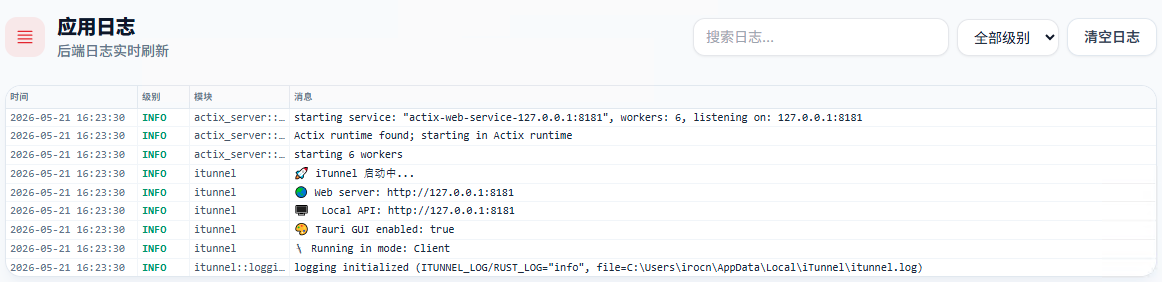
The client also supports CLI and GUI running modes. Comprehensive logging simplifies troubleshooting and real-time monitoring. A Web UI is provided for visual control.

iTunnel client overview

3.1 Feature Description:

  • WireGuard-compatible protocol
  • Protocol obfuscation plugins (1. dynamic random headers, 2. FakeTCP transport, 3. UDP/TCP transport)
  • Adaptive hot-switching of protocols
  • QoS and DPI evasion
  • Automatic server detection
  • Real-time traffic monitoring

3.2 Runtime Logs

iTunnel client runtime logs
-->